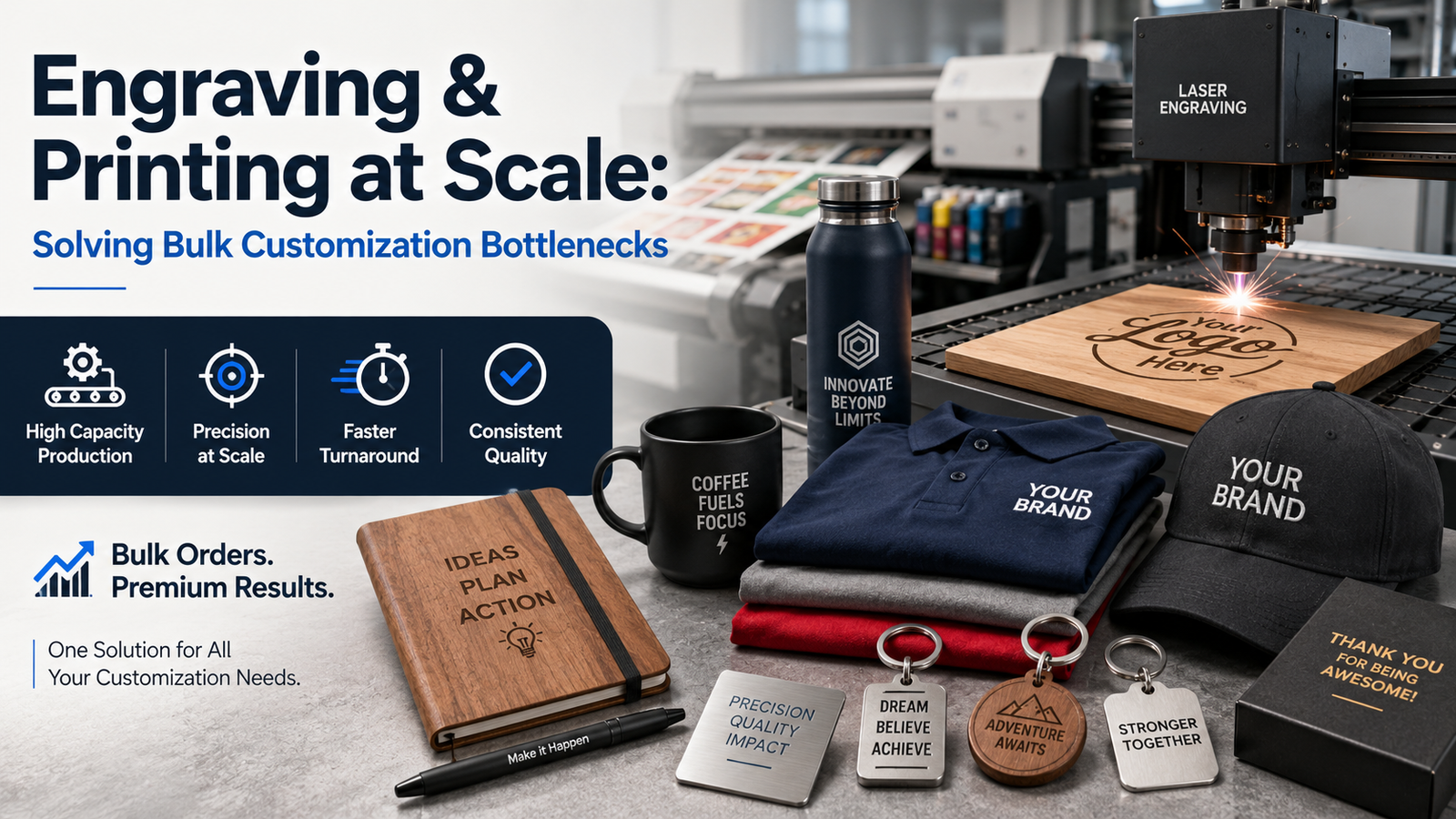
Engraving & Printing at Scale: Solving Bulk Customization Bottlenecks
Bulk corporate gifting becomes significantly more complex when every product needs customization.
Ordering 500 or 5,000 identical gifts is relatively straightforward. But when those same products require employee names, client names, company logos, department details, event branding, or personalized messages, the production process can quickly become a bottleneck.
For Procurement and Marketing teams, bulk gift customization is therefore not simply a design requirement. It is an operational process involving artwork, data, production capacity, quality control, packaging, timelines, and delivery.
A single spelling mistake can result in a rejected product. An incorrect artwork file can affect an entire production batch. A delayed approval can push back engraving or printing and ultimately affect the delivery schedule.
The solution is not to avoid personalization.
It is to create a scalable customization workflow that minimizes manual intervention while maintaining quality and consistency.
This guide explains how businesses can manage engraving and printing at scale, identify common customization bottlenecks, and build a smoother process for large corporate gifting orders.
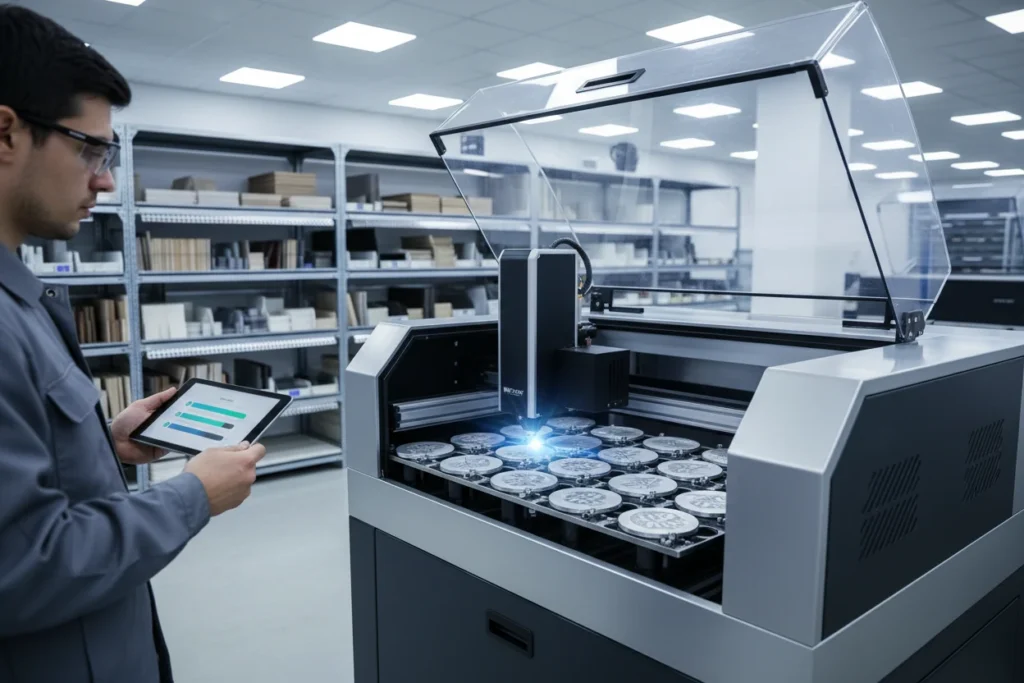
Why Bulk Gift Customization Becomes Difficult at Scale
Customization adds multiple variables to a standard gifting order.
Consider a 1,000-unit corporate gifting campaign.
A standard order might require:
1 product + 1 logo + 1 packaging design
A personalized order could require:
1,000 names + 1 master artwork + multiple product batches + individual quality checks + customized packaging
This introduces additional risks, including:
- Incorrect names
- Spelling errors
- Wrong logos
- Artwork inconsistencies
- Production delays
- Color variations
- Engraving alignment problems
- Data-entry mistakes
- Packaging mix-ups
- Last-minute changes
- Rework and wastage
The larger the order, the more expensive these mistakes can become.
1. Define the Customization Requirement Before Production
The first step is to clearly define what needs to be customized.
Customization may include:
- Company logo
- Employee name
- Client name
- Initials
- Department
- Designation
- Event name
- Personalized message
- Date
- QR code
- Campaign artwork
Don’t assume every element needs customization.
Ask:
What personalization actually improves the recipient experience?
For example, a premium bottle may need only:
Company logo + employee name
rather than a large multi-element design covering the entire product.
Simplifying customization can improve both appearance and production efficiency.
2. Choose the Right Customization Method
Different products require different customization techniques.
Common methods include:
Laser Engraving
Often suitable for metal, wood, leather, and selected coated surfaces.
Screen Printing
Useful for larger-volume branding on suitable surfaces.
UV Printing
Can provide detailed, full-color designs on compatible products.
Digital Printing
Useful for certain packaging, cards, labels, and promotional materials.
Embroidery
Commonly used for apparel, bags, caps, and fabric products.
Heat Transfer
Useful for selected apparel and textile applications.
The cheapest customization method is not necessarily the best choice.
Procurement and Marketing should evaluate:
Appearance + Durability + Cost + Production Capacity + Product Compatibility
3. Create One Master Artwork
A major source of bulk customization bottlenecks is unnecessary artwork variation.
Whenever possible, create one approved master design.
For example:
Company Logo + Employee Name
The employee name becomes the variable field while the rest of the design remains fixed.
This makes production easier and reduces the risk of inconsistent branding.
If multiple departments require different versions, establish them before production rather than making changes during manufacturing.
4. Standardize the Personalization Format
Marketing teams should define exactly how variable information will appear.
Specify:
- Font
- Font size
- Capitalization
- Placement
- Alignment
- Logo size
- Spacing
- Color
- Maximum character length
For example:
Rahul Sharma
should not become:
RAHUL SHARMA
or:
Rahul S.
unless that format has been approved.
Standardization ensures that hundreds or thousands of personalized products still look like part of the same campaign.
5. Build a Clean Customization Database
One of the biggest bottlenecks in bulk gift customization is poor data.
Don’t send names through multiple emails, spreadsheets, chat messages, and documents.
Create one master customization file.
A useful structure is:
| Employee ID | Recipient Name | Product | Customization | Status |
|---|---|---|---|---|
| EMP001 | Rahul Sharma | Bottle | Rahul Sharma | Approved |
| EMP002 | Priya Mehta | Bottle | Priya Mehta | Approved |
| EMP003 | Arjun Kapoor | Bottle | Arjun Kapoor | Pending |
This file becomes the production reference.
6. Use Employee or Recipient IDs
Names alone can create problems.
Large organizations can have multiple people with the same name.
For example:
Amit Kumar — EMP102
Amit Kumar — EMP381
An internal ID connects:
Recipient → Customization → Product → Package → Shipment
The ID doesn’t necessarily need to appear on the gift.
Its purpose is to reduce operational confusion.
7. Set a Data-Freeze Date
Customization should not continue changing indefinitely.
Establish a clear deadline:
Data collection → Validation → Approval → Data freeze → Production
After the freeze date, changes should follow a controlled exception process.
Why?
Because changing one name after engraving or printing has started may require:
- Reproduction
- Additional material
- Quality inspection
- Repackaging
- Additional shipping
- Production rescheduling
A data-freeze policy protects the entire production timeline.
8. Approve a Physical Customized Sample
A digital mockup is important, but it isn’t enough.
Before mass production, approve a physical sample showing:
Actual product + Actual branding + Actual customization
Check:
- Engraving depth
- Print quality
- Logo position
- Name placement
- Font
- Alignment
- Color
- Product finish
- Overall appearance
Once approved, the sample becomes the physical quality reference.
9. Don’t Change Artwork After Approval
Marketing teams sometimes request creative improvements after seeing the first production sample.
This can create serious problems when production has already begun.
Establish an approval hierarchy:
Marketing → Final Artwork Approval
Procurement → Commercial Approval
Vendor → Production Approval
Once all approvals are complete, lock the artwork.
Any subsequent change should be treated as a formal revision.
10. Set Character Limits
Personalized products have limited physical space.
A name containing 10 characters may look very different from one containing 30 characters.
Before production, define:
Maximum character limit
For example:
Maximum: 25 characters
Any entry exceeding the limit should be moved to an exception list.
This prevents production teams from improvising font sizes or placement for individual products.
11. Automate Variable Data Wherever Possible
For large orders, manual typing is one of the biggest risks.
If 2,000 employee names need to be printed or engraved, manually entering each name increases the possibility of errors.
A better workflow is:
Master spreadsheet → Approved data → Production-ready file → Customization
The exact technology will depend on the vendor and customization method, but the principle is the same:
Reduce manual data entry.
12. Create an Exception List
Not every record will be production-ready.
Common exceptions include:
- Missing name
- Name exceeds character limit
- Duplicate record
- Unusual characters
- Missing employee ID
- Incorrect product variant
- Artwork mismatch
Instead of stopping the entire order, isolate these records.
The standard production batch can continue while exceptions are resolved separately.
This is one of the most effective ways to prevent small issues from becoming major production delays.
13. Batch Production Strategically
Large orders don’t always need to be produced as one enormous batch.
Depending on the product and production setup, divide the order into manageable batches.
For example:
Batch 1: 250 units
Batch 2: 250 units
Batch 3: 250 units
Batch 4: 250 units
Batching allows teams to identify production problems earlier.
If a printing issue appears in Batch 1, it can potentially be corrected before the entire order is completed.
14. Use Quality Checks During Production
Waiting until all 2,000 products are finished to inspect them can be risky.
Quality checks should happen throughout the process.
Inspect:
- Product quality
- Logo accuracy
- Personalization accuracy
- Print clarity
- Engraving consistency
- Positioning
- Color consistency
- Packaging
The inspection frequency should be appropriate to the product, customization method, order size, and quality requirements.
15. Understand the Difference Between Print and Engraving
Procurement teams should understand that customization methods behave differently.
Printing
Printing can provide:
- Full-color designs
- Detailed artwork
- Larger branding areas
- Multiple visual elements
But print quality can vary depending on surface, ink, curing, and handling.
Engraving
Engraving can create a premium and durable appearance.
It is often particularly effective for:
- Metal products
- Wooden products
- Leather products
- Executive gifts
However, engraving is usually more limited in terms of color and design complexity.
The right method depends on the product and intended brand experience.
16. Don’t Ignore Product Surface Variations
Even products from the same production batch can have slight physical differences.
For example:
- Curved surfaces
- Texture
- Coating
- Grain
- Material variation
These factors can affect printing or engraving.
Before approving mass customization, test the selected method on the actual production product.
17. Plan Customization Capacity Before Finalizing the Deadline
Marketing may need the gifts by a particular event date.
Procurement must then work backward.
A useful timeline is:
Event date
↓
Delivery deadline
↓
Dispatch
↓
Packaging
↓
Customization
↓
Quality control
↓
Sample approval
↓
Artwork approval
↓
Data freeze
This reverse planning method helps identify whether the requested deadline is realistic.
18. Build Time for Rework
Even well-managed production can require some rework.
Potential causes include:
- Damaged product
- Incorrect engraving
- Print defect
- Data error
- Packaging mistake
Don’t plan a production schedule with zero tolerance for rework.
Allow sufficient buffer before dispatch.
This is particularly important for time-sensitive corporate events.
19. Coordinate Customization With Packaging
Customization should not be managed independently from packaging.
Consider the complete workflow:
Product customization → Quality check → Packaging → Labeling → Dispatch
A personalized product can still be delivered incorrectly if the wrong employee’s gift is placed inside the package.
For employee gifting, connect the personalization record to the packaging record using an internal reference such as an employee ID.
20. Integrate Customization With Delivery Tracking
For large campaigns, the process should ultimately connect:
Recipient → Customization → Product → Package → Tracking Number → Delivery
This makes it easier to investigate issues.
For example, if an employee reports receiving the wrong personalized gift, Procurement can check:
- Original customization record
- Product allocation
- Packing record
- Shipment information
This creates accountability throughout the fulfillment process.
Common Bulk Customization Bottlenecks
Manual Name Entry
Creates unnecessary spelling and data-entry errors.
Multiple Artwork Versions
Increases production complexity.
Late Data Changes
Cause rework and delays.
No Character Limits
Creates inconsistent personalization.
Skipping Physical Samples
Digital artwork may not accurately represent the finished product.
Poor Vendor Capacity Planning
The vendor may accept an order without having sufficient production capacity for the required deadline.
No Production Buffer
Even a minor defect can threaten the delivery schedule.
Packaging Mix-Ups
Correctly customized products can still reach the wrong recipients.
A Practical Bulk Gift Customization Workflow
For Procurement and Marketing teams, the following workflow can simplify large orders:
Step 1: Define the Objective
Determine why customization is required.
Step 2: Select the Product
Choose a product suitable for the intended customization method.
Step 3: Finalize Artwork
Create and approve the master design.
Step 4: Prepare Data
Clean and validate recipient information.
Step 5: Set Rules
Define character limits, fonts, positioning, and formatting.
Step 6: Approve a Physical Sample
Check the actual customized product.
Step 7: Freeze Data
Lock the production list.
Step 8: Start Production
Produce in controlled batches where appropriate.
Step 9: Conduct Quality Checks
Verify products throughout production.
Step 10: Pack and Reconcile
Match customized products with recipient records.
Step 11: Dispatch
Ship according to the approved delivery plan.
Step 12: Track Exceptions
Resolve damaged, incorrect, or delayed deliveries.
How Procurement Can Reduce Customization Costs
Bulk customization doesn’t have to become disproportionately expensive.
Procurement can control costs by:
Consolidating Orders
Higher volumes may improve production economics.
Standardizing Artwork
One master design reduces setup and management complexity.
Limiting Product Variations
Fewer SKUs can simplify production.
Reducing Unnecessary Personalization
Customize only elements that add real recipient value.
Negotiating Setup Costs
Ask vendors whether artwork or machine setup charges apply.
Comparing Complete Quotes
Compare:
Product + Customization + Packaging + Shipping
rather than product price alone.
How Marketing Can Improve the Premium Feel
Marketing teams don’t need complicated designs to create a premium corporate gift.
Focus on:
- Clean typography
- Appropriate logo placement
- Consistent brand identity
- High-quality artwork
- Subtle personalization
- Suitable product materials
- Professional packaging
A simple engraved name on a quality metal product can feel more premium than an overcrowded full-color design.
The best customization often feels intentional rather than excessive.
Bulk Gift Customization Checklist
Before production, confirm:
Artwork
- Master artwork approved
- Logo approved
- Fonts finalized
- Position confirmed
- Color specifications confirmed
Data
- Recipient list finalized
- Names verified
- Employee IDs included
- Character limits checked
- Exceptions resolved
Production
- Customization method approved
- Physical sample approved
- Production capacity confirmed
- Timeline confirmed
- Quality-control process established
Packaging
- Customized products matched with recipients
- Packaging design approved
- Labels prepared
- Packing list finalized
Delivery
- Shipping data validated
- Tracking system prepared
- Replacement process established
- Delivery deadline confirmed
Final Thoughts
Successful bulk gift customization is ultimately a process-management challenge.
The larger the order, the less room there is for informal communication, manual data entry, or last-minute creative changes.
Procurement and Marketing teams can reduce bottlenecks by standardizing artwork, maintaining one master customization database, setting character limits, using employee or recipient IDs, approving physical samples, freezing data before production, and implementing quality checks throughout the manufacturing process.
The goal isn’t simply to customize thousands of products.
It is to make thousands of customized products look consistent, accurate, premium, and intentional.
When the workflow is properly designed, personalization can become a competitive advantage rather than a production headache.
At scale, great customization isn’t about doing more manually. It’s about creating a system that makes personalization repeatable.
Leave a comment